1. Upload Your JSON File
Click or drag your JSON file here
2. Set Target Location & Rotation
Enter target center coordinates to move the full placement, or leave coordinates blank to rotate around the placement center.
Terrain data loads locally when Snap to Ground is enabled.
Target-only snap moves the placement center to the selected map elevation. Terrain-fit keeps each object's current ground offset when the source and target are on the selected map.
N
E
S
W
0 deg
North
Map Preview
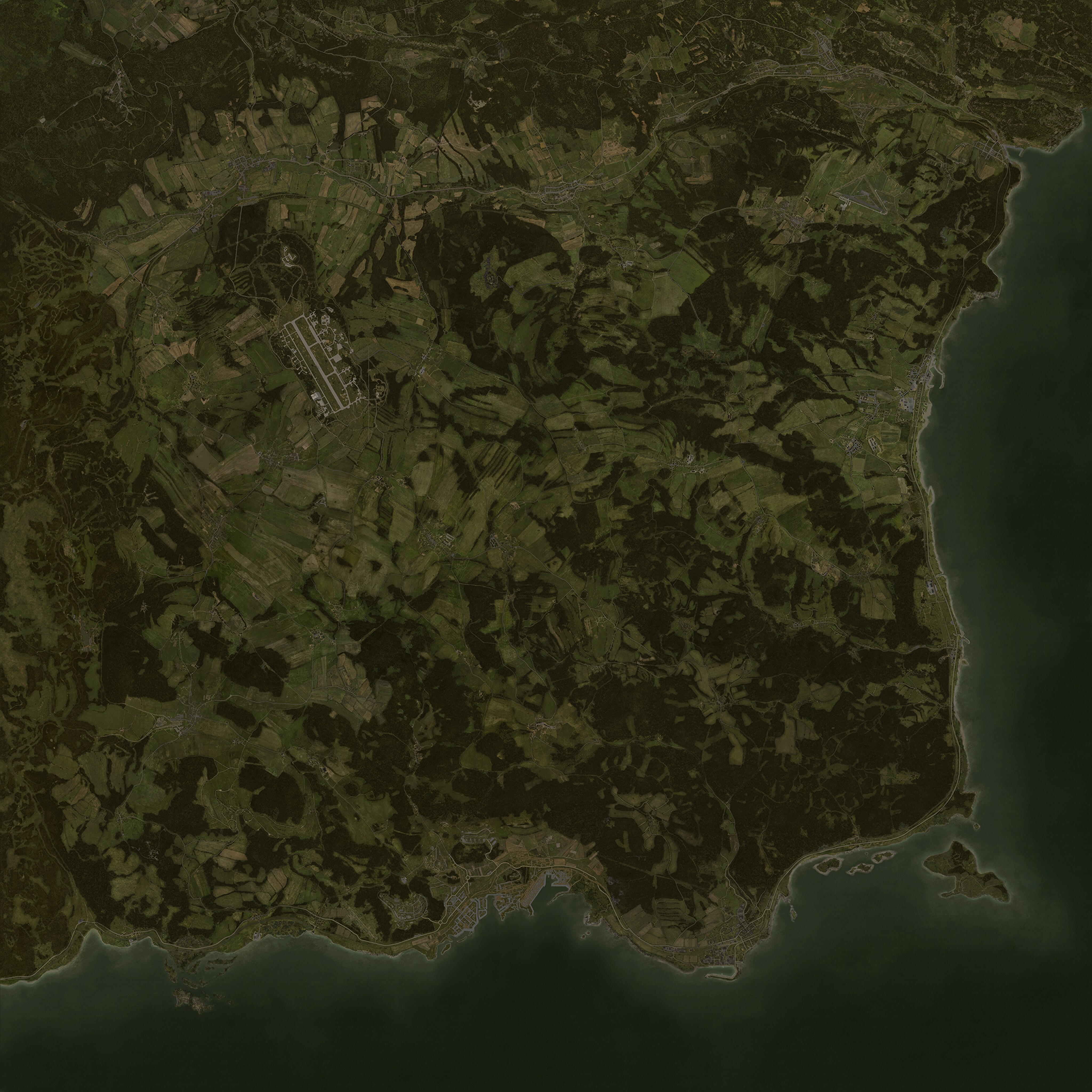
Upload JSON to preview the source center and target center.
Source center
Target center
SourceWaiting for JSON
TargetWaiting for target